Plan AuctionWorx Upgrades Before Auction Day
New version, new host, or a move to Azure. Rehearse it on staging, agree the rollback criteria up front, and cut over in your quietest hours.
15+ years on AuctionWorx · RainWorx Premium Partner
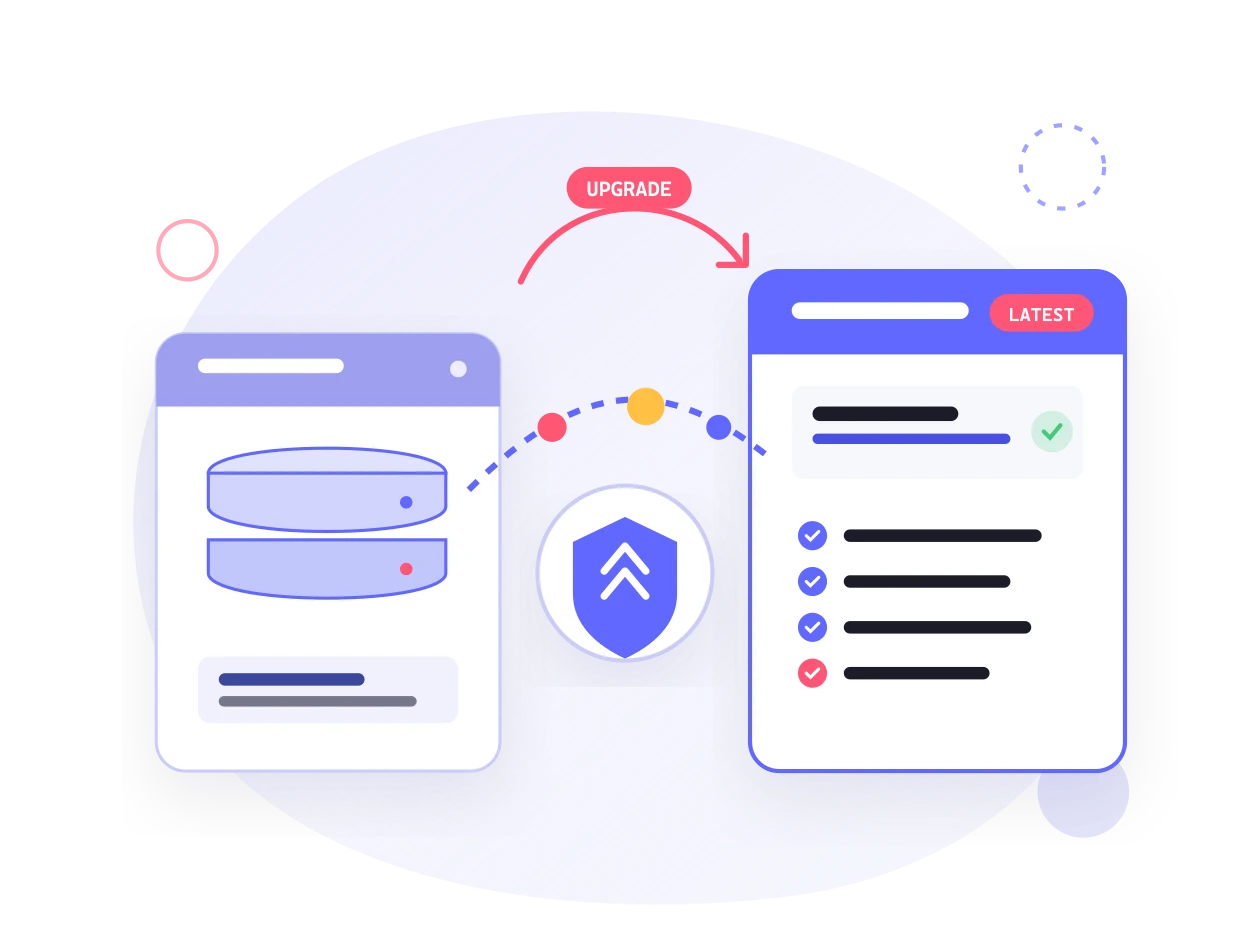
An AuctionWorx migration or version upgrade covers data migration, Azure deployment, a staging rehearsal and rollback triggers.
Why upgrade
New AuctionWorx releases bring speed and new capabilities, and a site that has been running for a while is rarely stock. You may have custom commission tiers, a branded theme, tailored payment gateways, or custom APIs behind a mobile bidding app. If those were placed in the wrong directories, the upgrade installer can overwrite them.
Systenics has maintained and upgraded heavily customized AuctionWorx sites across many versions, and has been a RainWorx Premium Partner for over 15 years.
The upgrade playbook
Systenics publishes its method in full: AuctionWorx upgrade playbook: keep your customizations safe. The short version:
- Audit customizations first. List custom controllers, services, theme overrides, Razor views, schema changes, external integrations, your current AuctionWorx version, .NET runtime and IIS settings.
- Mirror and rehearse on staging. Clone production into an isolated environment, scrub bidder and payment data, apply the upgrade, and diff for overwritten files.
- Run a backup and restore drill. Take a full SQL backup and a snapshot of the web application directory, restore them on a second server, and time it.
- Regression test. Check bidding, proxy increments, reserves, invoices, buyer premiums, payment gateway transactions in sandbox mode, notification emails, reports, mobile API endpoints, and every custom extension.
- Set rollback triggers. Agree go and no-go criteria before the window, name one person with authority to call a rollback, and set a hard cutover time limit.
- Cut over during low traffic. Notify your community, show a maintenance page during the migration, run a smoke test, and watch server health, logs, and support queues in the first hours.
Data migration
Systenics handles data migrations and server transfers as part of moving older AuctionWorx installations to current releases. Because the details depend on your source system, they’re scoped on a discovery call. Start from the Systenics AuctionWorx page.
Moving to Azure
Systenics recommends Microsoft Azure for AuctionWorx and lists these migration services: assessment of your current environment, a tailored migration plan, migration execution and data transfer, performance optimization and testing, and ongoing support and maintenance. The reasoning is in Benefits of hosting AuctionWorx on Microsoft Azure. See also hosting.
Upgrade costs for mobile apps
If you run Systenics’ white-label mobile app, it is supported on the latest AuctionWorx version at the time of purchase and linked to that version. Moving to a minor release costs around 300 dollars for site and app together. Major releases cost more. Details are on the mobile apps page.
For more reading, see the AuctionWorx documentation guide.
Frequently asked questions
Ready to build on AuctionWorx?
Book a call or send us your project details, and we'll get back to you with next steps.
